If your scanner, printer, website contact form or an older app sends email through Microsoft 365 using a plain username and password, it will very likely stop sending when Microsoft switches off Basic Authentication for SMTP AUTH by default at the end of December 2026. Each one needs moving to a supported method before then.
What's changing
SMTP AUTH is the old way for devices and apps to send mail through Exchange Online by logging in with an account's password. Microsoft is turning off the Basic Authentication version of it by default. Modern authentication (OAuth) keeps working, but most scanners, older plugins and line-of-business software don't support it.
How to tell what will break
- Anything set up with
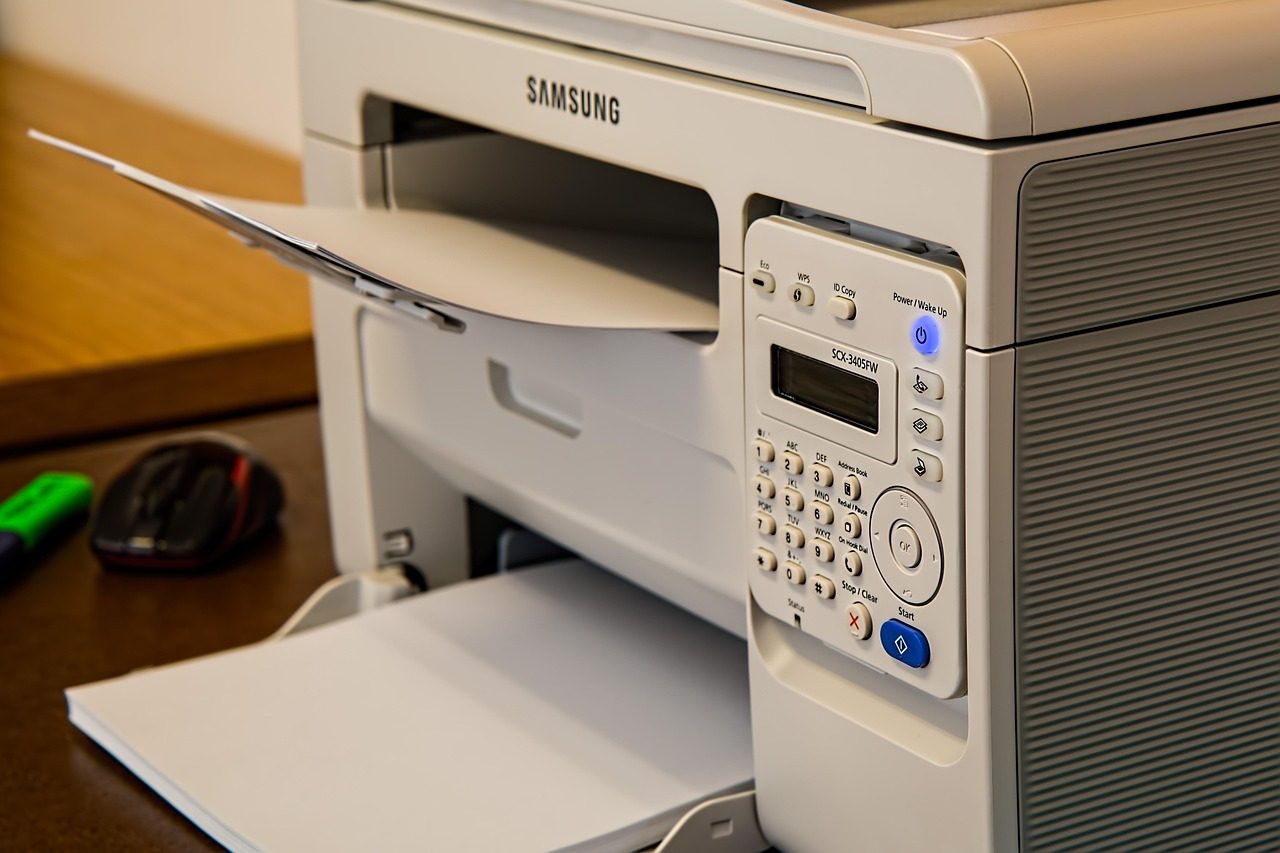
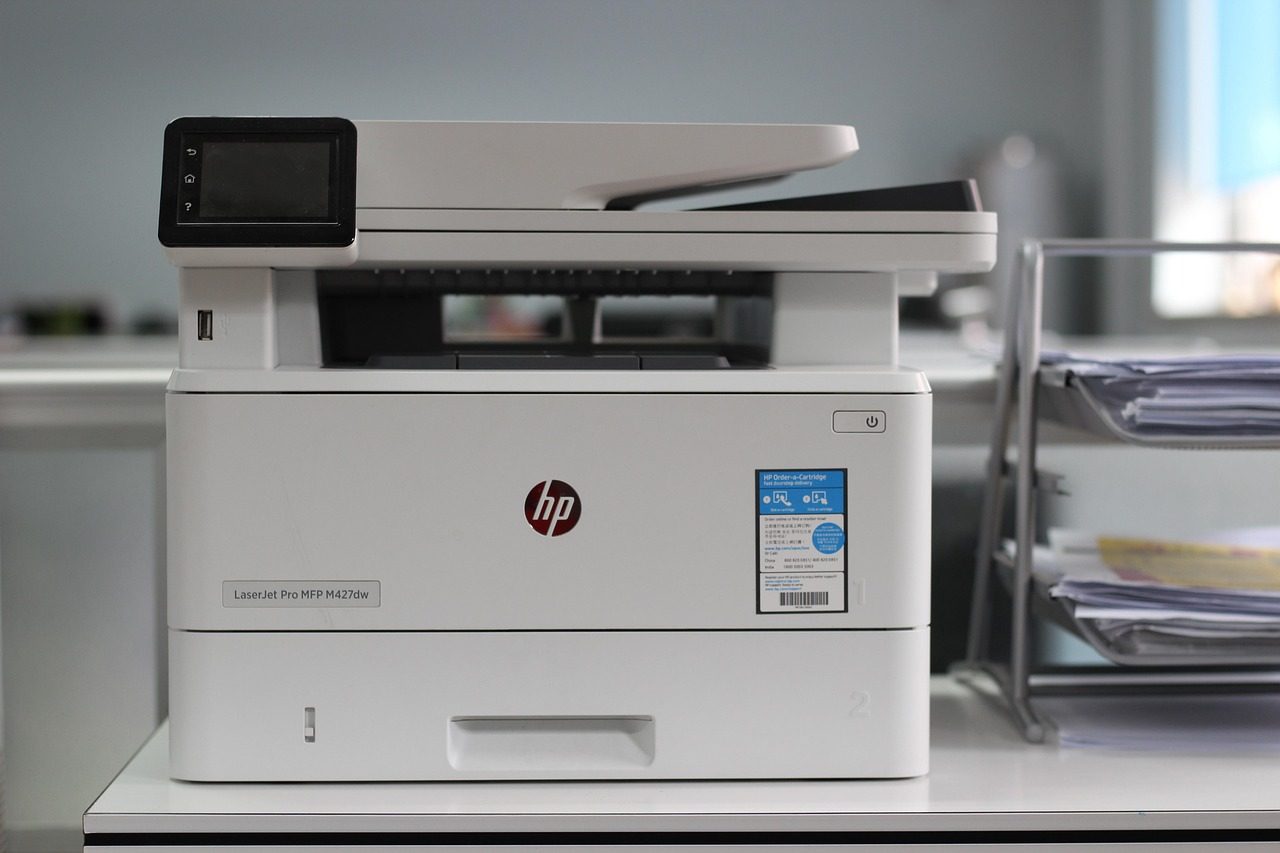
smtp.office365.comand port 587 - Scan-to-email on multifunction printers
- WordPress SMTP plugins using a Microsoft 365 password
- CRMs, booking systems or accounting software sending as your mailbox
Microsoft 365's sign-in logs show which accounts still use SMTP AUTH, which is the quickest way to get a full list.
The fixes
- Website forms: switch the plugin to OAuth, or send through a dedicated email service authenticated for your domain.
- Scanners and printers: use a Microsoft 365 connector (direct send or relay) or a scan-to-cloud option.
- Apps: update to a version that supports OAuth, or route them through a relay.
As a Microsoft 365 partner, we can check your tenant and move everything over in one go. See our Microsoft 365 fixes.