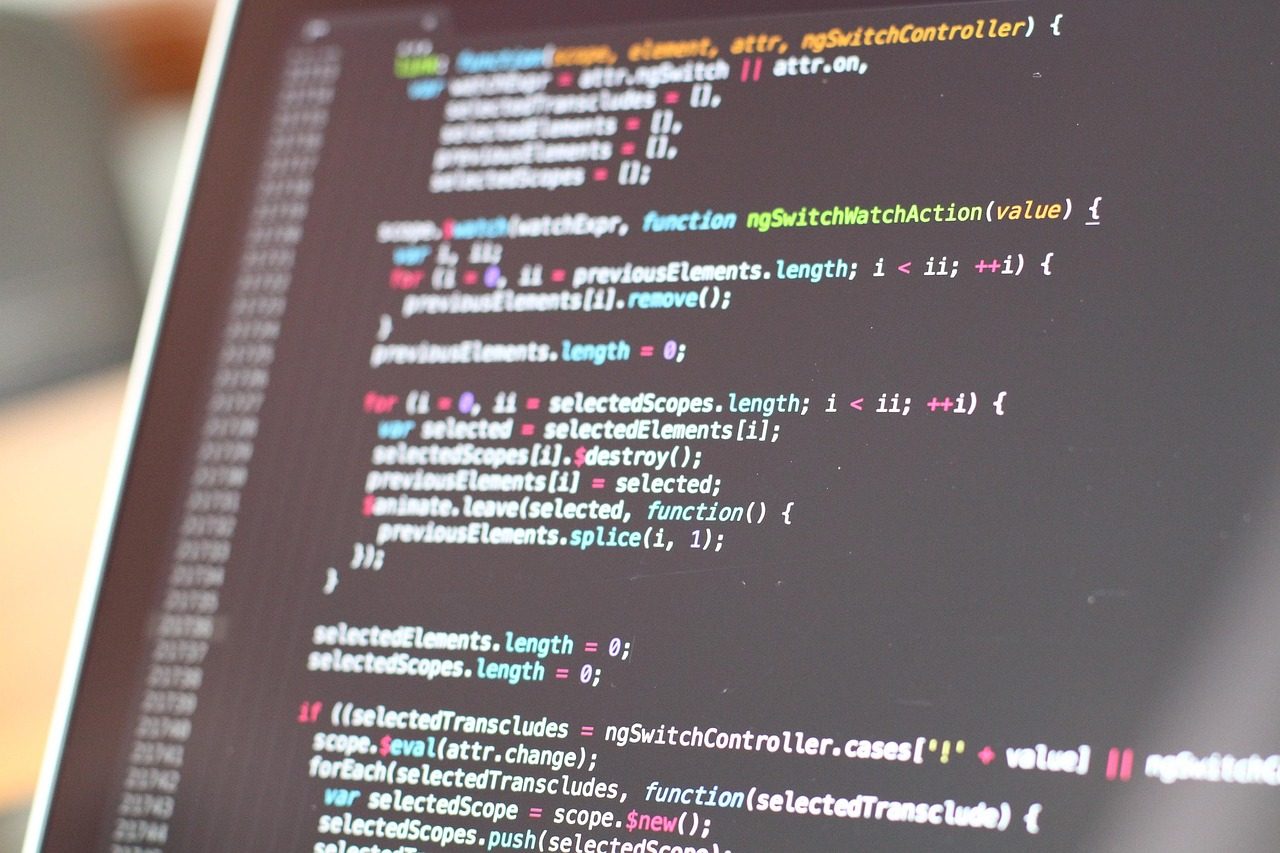
When a host upgrades PHP, code written for the older version can stop working, and you see a critical error, a blank page or missing features. You can often switch the site back to the previous PHP version in the hosting control panel to get it up again, but only for a short while: the real fix is updating or replacing the code that isn't compatible.
Why hosts do it
Each PHP version only gets security fixes for a set time. PHP 8.1 reached end of life on 31 December 2025, and many hosts moved sites off it automatically. PHP 8.2 reaches end of life on 31 December 2026, so another round of forced upgrades is coming.
Getting back up quickly
- In your hosting control panel, find the PHP version setting (often "Select PHP version" or "PHP manager").
- Switch back one version and check the site.
- If the option isn't there, ask your host; some offer a short extension.
Fixing it properly
- Update WordPress, every plugin and the theme.
- Replace plugins that haven't been updated in years.
- Fix custom code in the theme's
functions.phpor bespoke plugins. - Test on a copy of the site on the new PHP version before switching the live site.
We do this as a same-day WordPress fix, or as part of ongoing support.